Roster and Unit Crews
Roster
Where: StaffingRoster
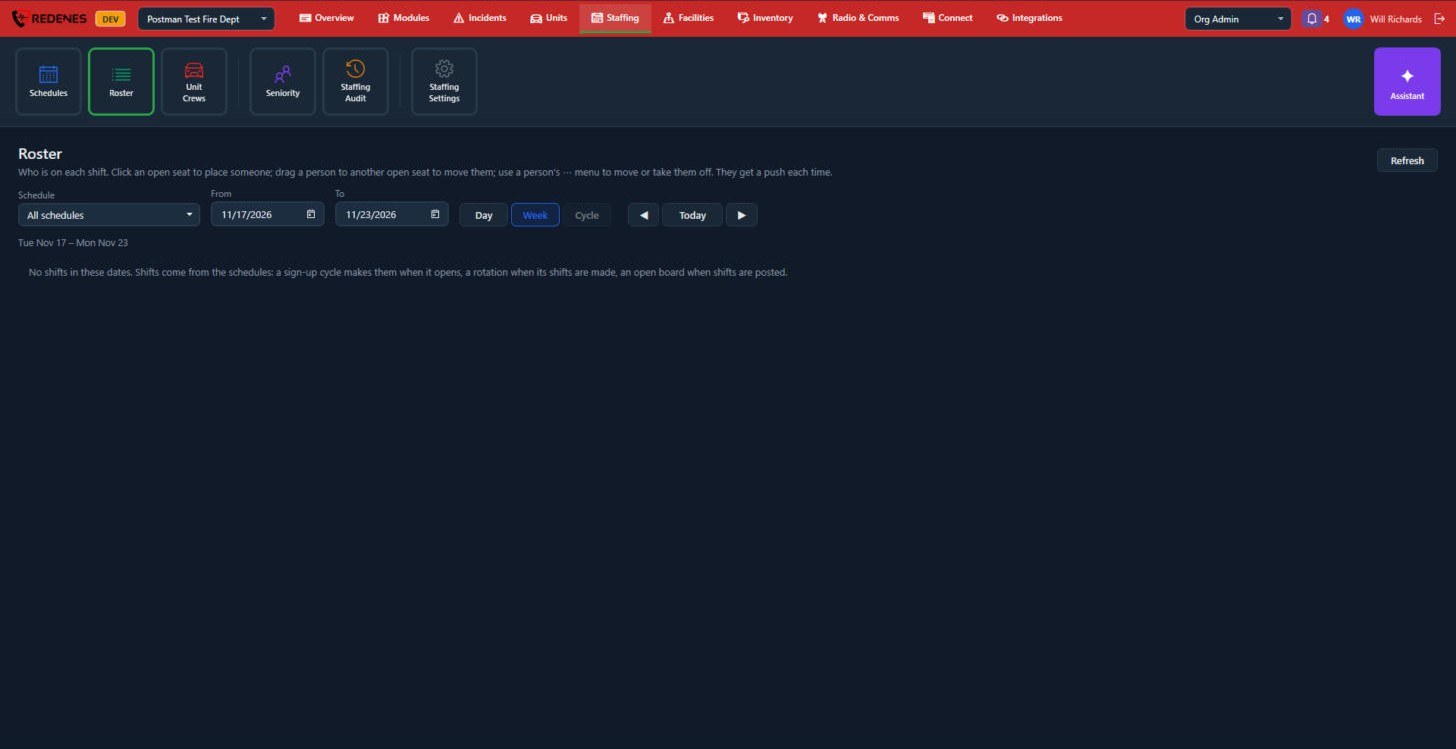 123
The Roster shows who is on each shift.
- Choose the Schedule and the dates 1, and the view 2: Day, Week or Cycle.
- Step back and forward, or jump to Today 3.
- Click an open seat to place someone.
- Drag a person to another open seat to move them.
- Use a person's ... menu to move them or take them off.
The member gets a push notification each time.
Shifts come from the schedules: a sign-up cycle makes them when it opens, a rotation when its shifts are made, an open board when shifts are posted.
Unit Crews
Where: StaffingUnit Crews
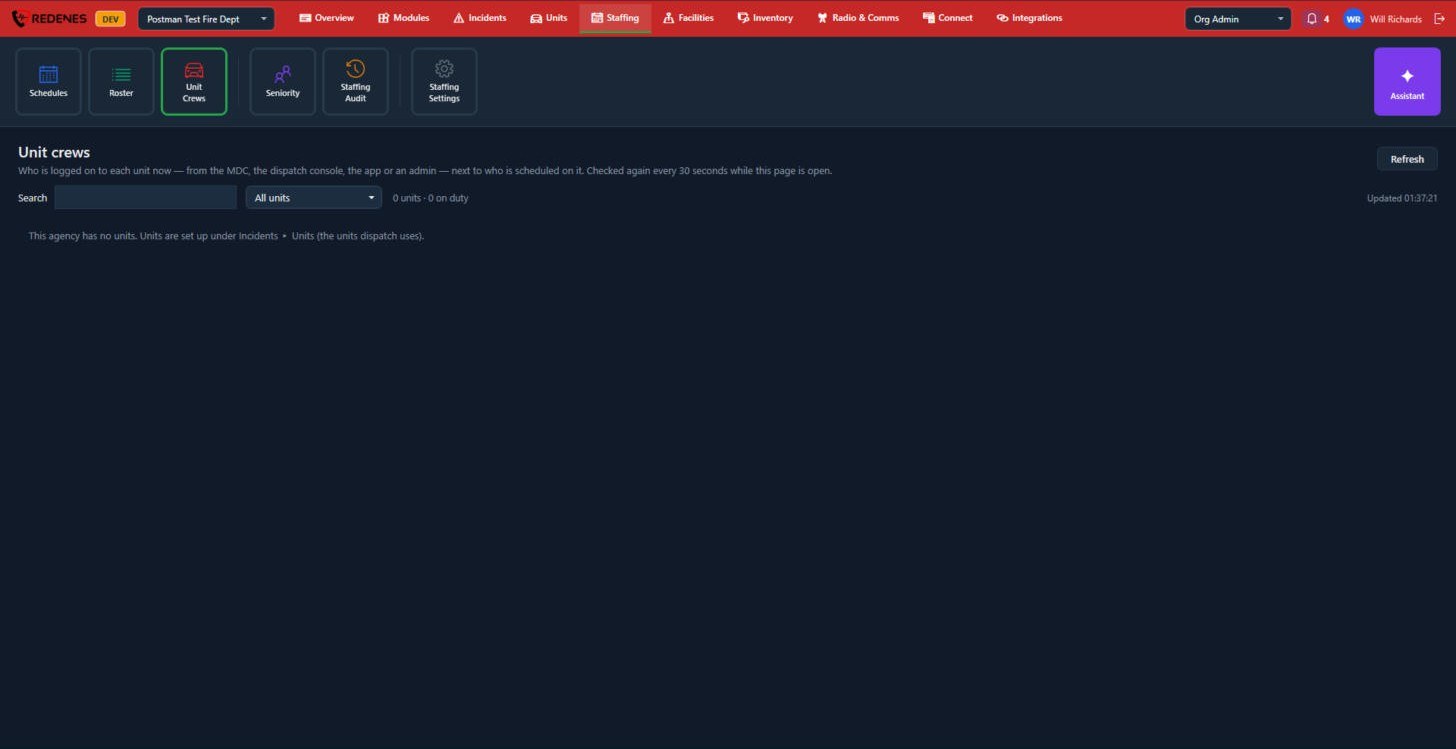
Unit Crews shows who is logged on to each unit right now, whether from the MDC, the dispatch console, the app or an admin, next to who is scheduled on it. It refreshes every 30 seconds while the page is open, and you can search or filter to one unit.