Video Streams
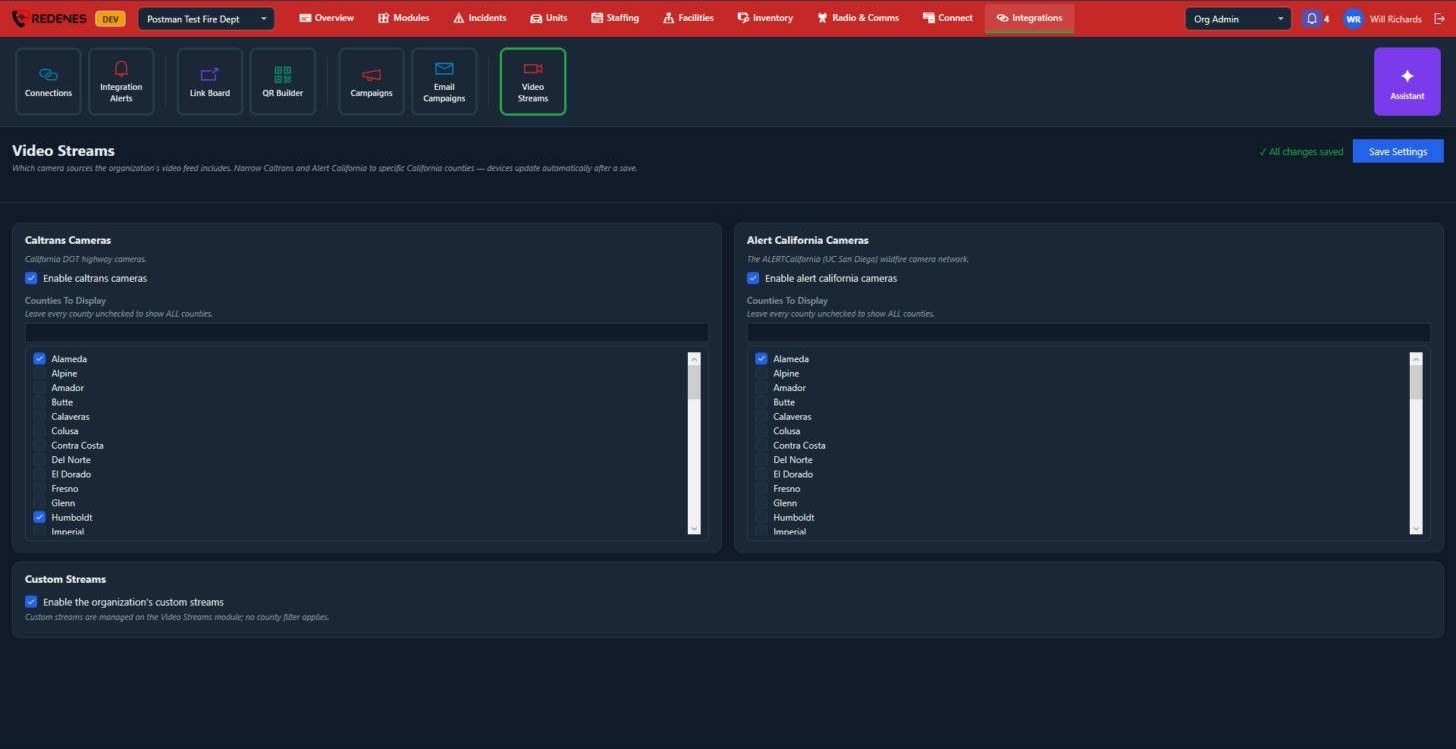
This screen decides which camera sources appear in the app's Video Streams module for your agency.
Where: IntegrationsVideo Streams
 1234
- Caltrans Cameras 1: California DOT highway cameras. Check Enable, then check the counties you want.
- Alert California Cameras 2: the ALERTCalifornia wildfire camera network. It works the same way.
- Custom Streams 3: your agency's own streams, which members add in the Video Streams module itself.
Leave every county unchecked to show all counties. For most agencies that is too many cameras, so pick your own county and its neighbours.
Click Save Settings 4. Members' devices pick up the change by themselves.