Incident History
Review an incident after the fact: every change on its command board, who made it and when.
Where: IncidentsIncident History
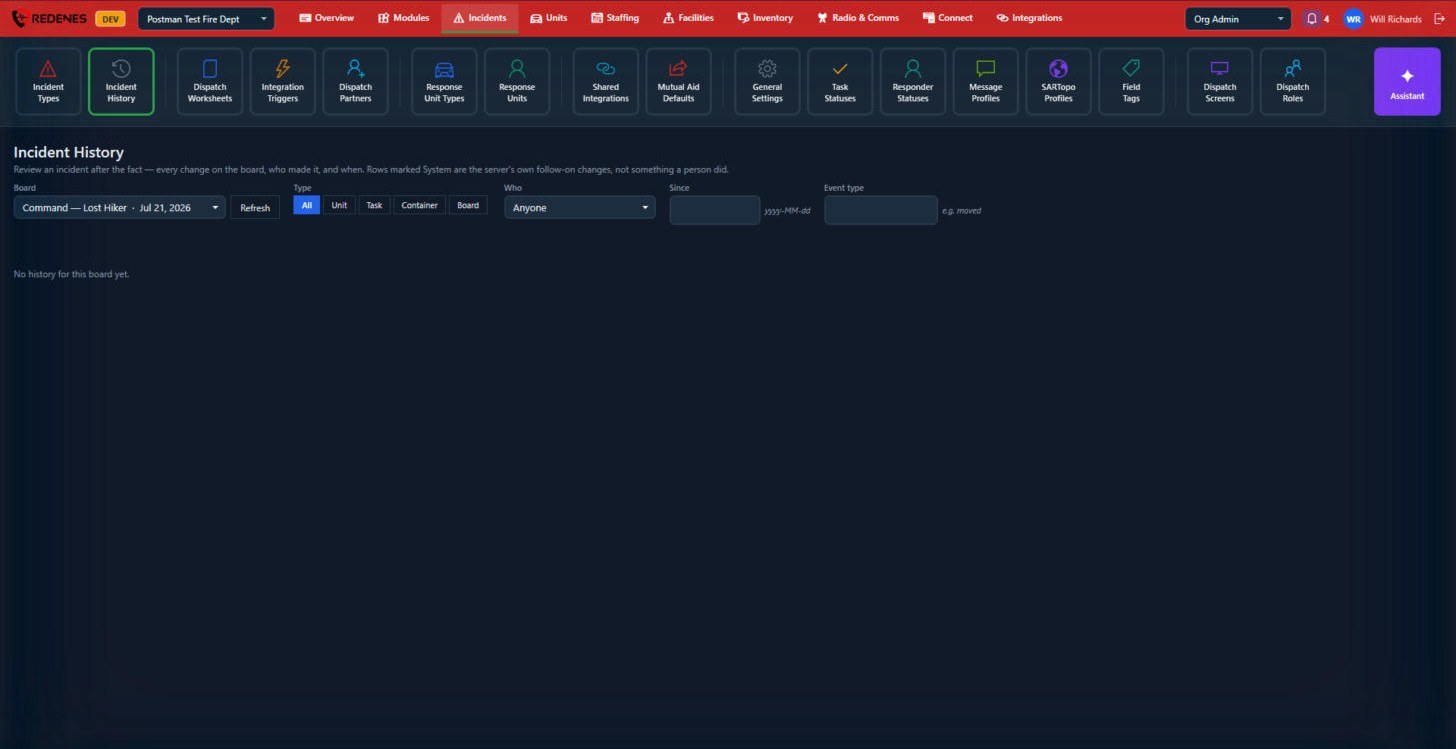 123
- Pick the incident's Board 1.
- Narrow by Type 2: changes to a Unit, a Task, a Container (a group on the board) or the Board itself.
- Narrow further by Who, Since (a date) or Event type 3, for example moved.
Rows marked System are the server's own follow-on changes, not something a person did.
This is the screen to use for an after-action review or when someone asks who reassigned a unit.