Map Icons
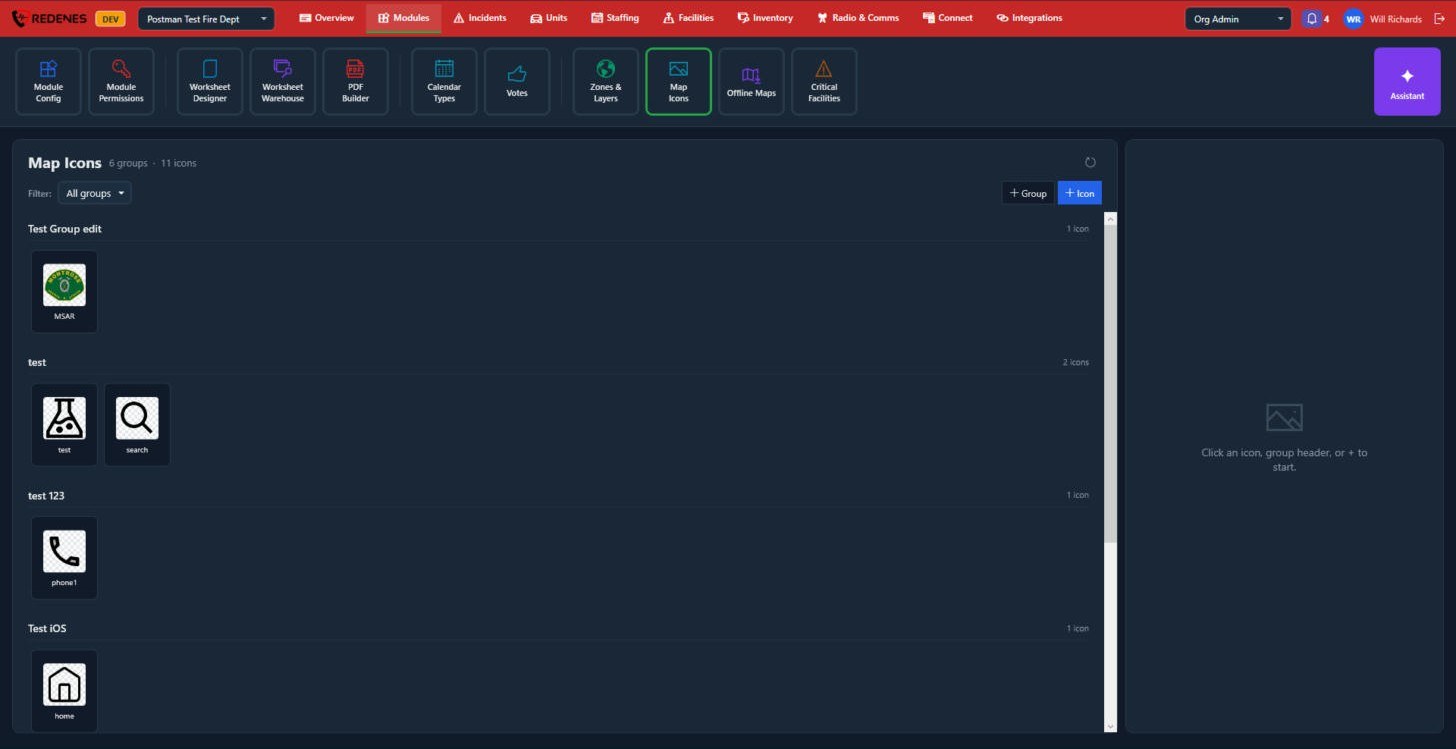
Map Icons are the pictures your members can drop on the map as markers: a command post, a hazard, a landing zone, your own team logo.
Where: ModulesMap Icons
 12
- + Group and + Icon 1 add a group or upload a picture into one. Square pictures with a transparent background look best.
- Click an icon or a group header 2 to rename, move or delete it.
- Filter shows one group at a time.
See how members use them: Maps.
An icon or a group
 1234
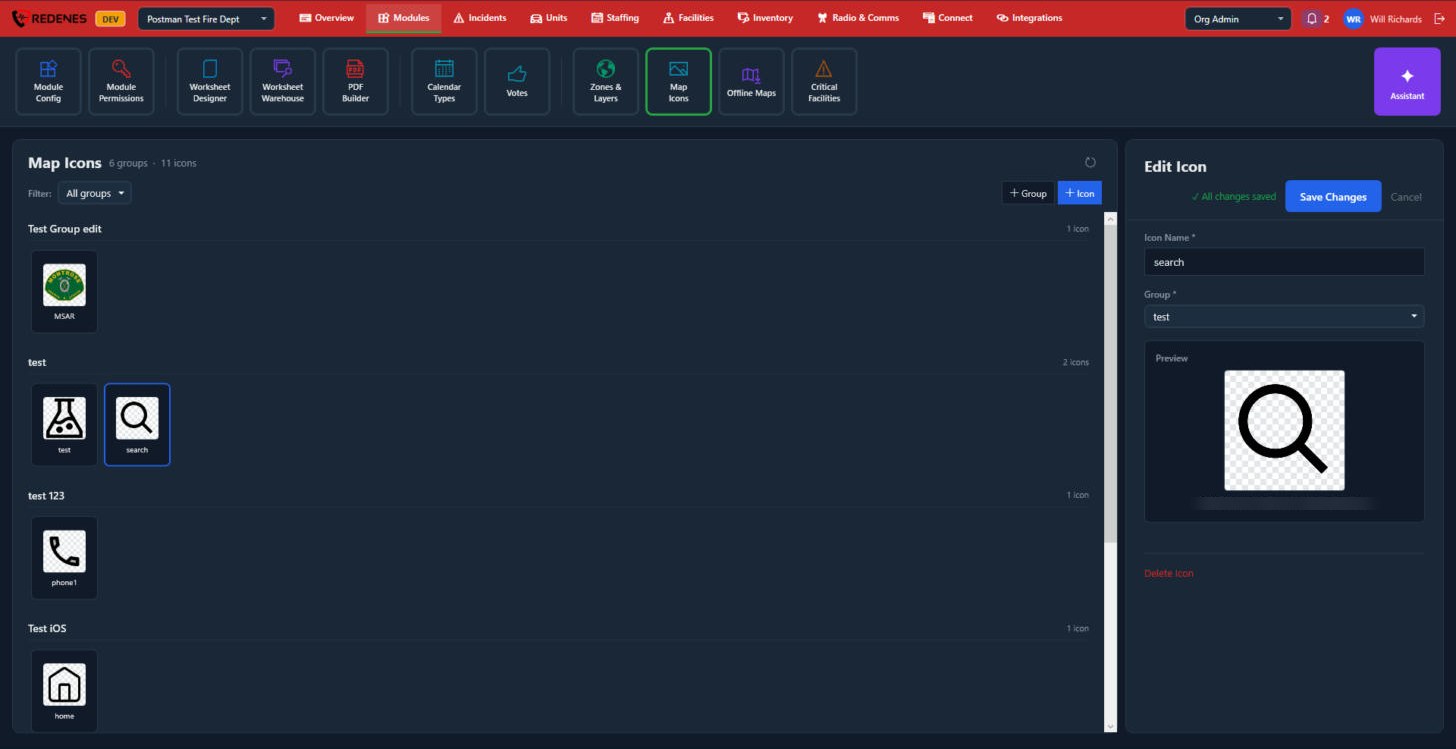
Click an icon 1. On the right you can change its Icon Name and Group 2, see the picture 3, or Delete Icon 4.
Click a group's name to change its Group Name and Description, or Delete Group. Click Save Changes after either.