Entitlements
Entitlements are the on and off switches for whole features of REDENES in your agency.
Where: OverviewEntitlements
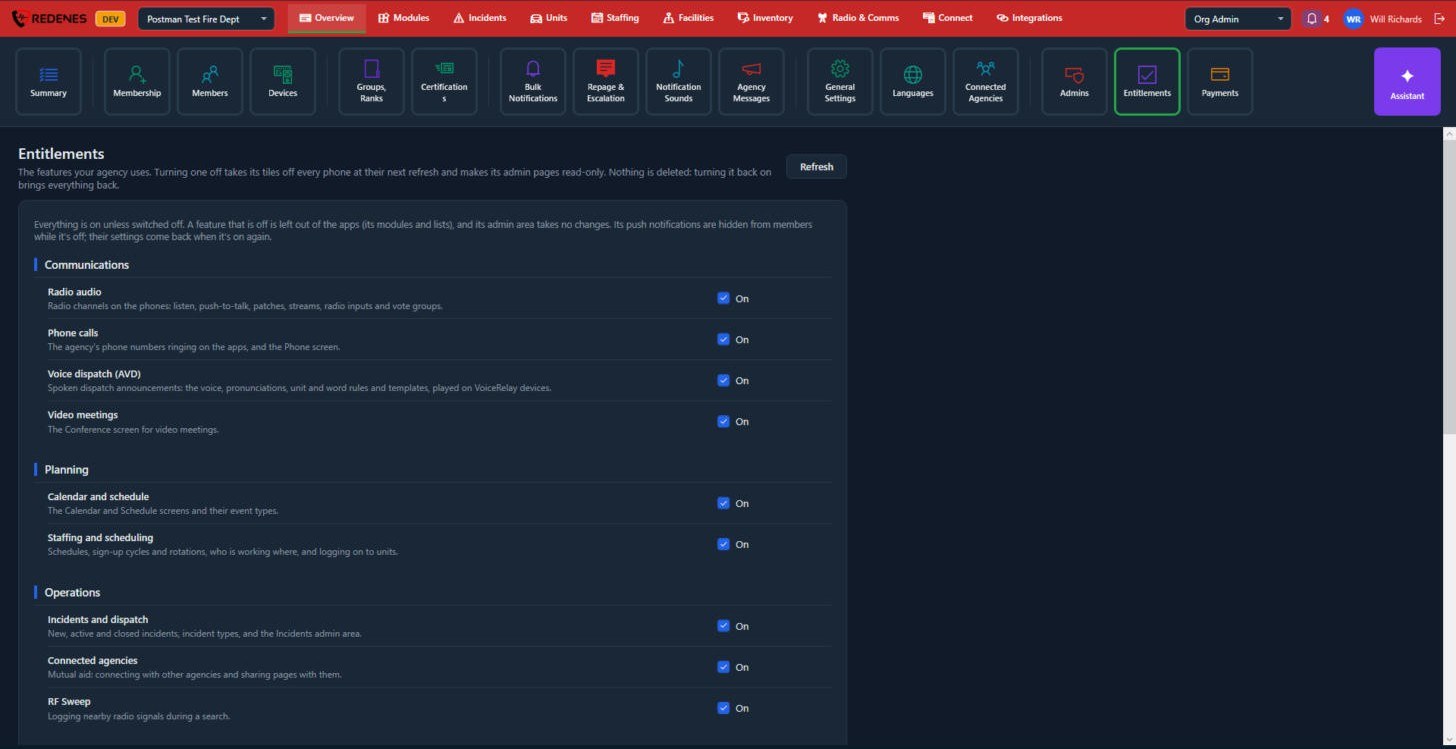 12
Everything is on unless you switch it off 1. Features are grouped under headings such as Communications, Planning and Operations, each with a switch 2.
What switching a feature off does
- Its modules and lists disappear from every phone at the next refresh.
- Its admin pages become read-only.
- Its push notifications are hidden from members' settings.
- Nothing is deleted. Switching it back on brings everything back.
Use this to keep the apps simple. If your agency does not use Staffing or Voice dispatch, switch them off and members never see them.
Every switch
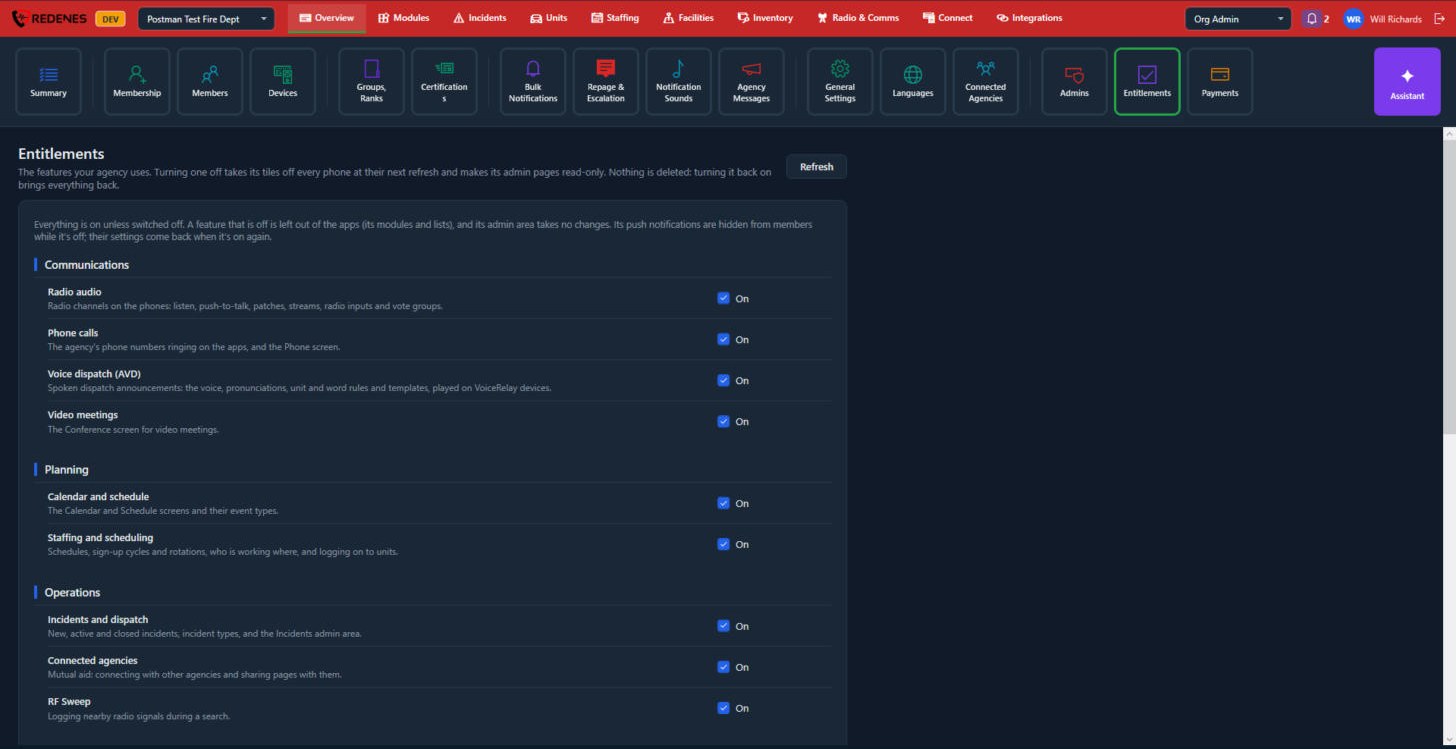
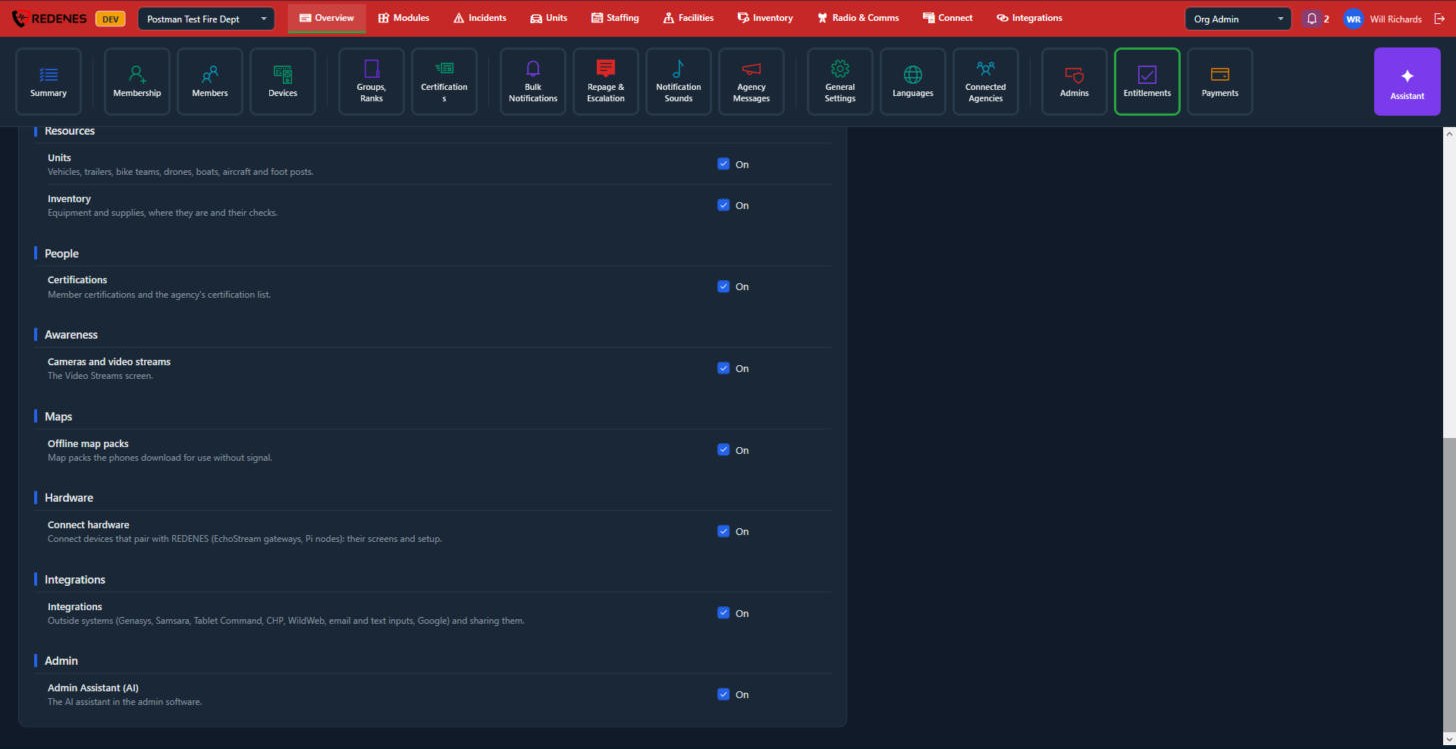
| Heading | Feature | What it covers |
|---|---|---|
| Communications | Radio audio | Radio channels on the phones: listen, push-to-talk, patches, streams, radio inputs and vote groups. |
| Phone calls | The agency's phone numbers ringing on the apps, and the Phone screen. | |
| Voice dispatch (AVD) | Spoken dispatch announcements played on VoiceRelay devices. | |
| Video meetings | The Conference screen. | |
| Planning | Calendar and schedule | The Calendar and Schedule screens and their event types. |
| Staffing and scheduling | Schedules, sign-up cycles and rotations, who is working where, and logging on to units. | |
| Operations | Incidents and dispatch | New, active and closed incidents, incident types and the Incidents admin area. |
| Connected agencies | Mutual aid: connecting with other agencies and sharing pages with them. | |
| RF Sweep | Logging nearby radio signals during a search. | |
| Resources | Units | Vehicles, trailers, bike teams, drones, boats, aircraft and foot posts. |
| Inventory | Equipment and supplies, where they are and their checks. | |
| People | Certifications | Member certifications and the agency's certification list. |
| Awareness | Cameras and video streams | The Video Streams screen. |
| Maps | Offline map packs | Map packs the phones download for use without signal. |
| Hardware | Connect hardware | Connect devices that pair with REDENES, their screens and setup. |
| Integrations | Integrations | Outside systems and sharing them. |
| Admin | Admin Assistant (AI) | The AI assistant in the admin software. |